Open the App & Select Courier
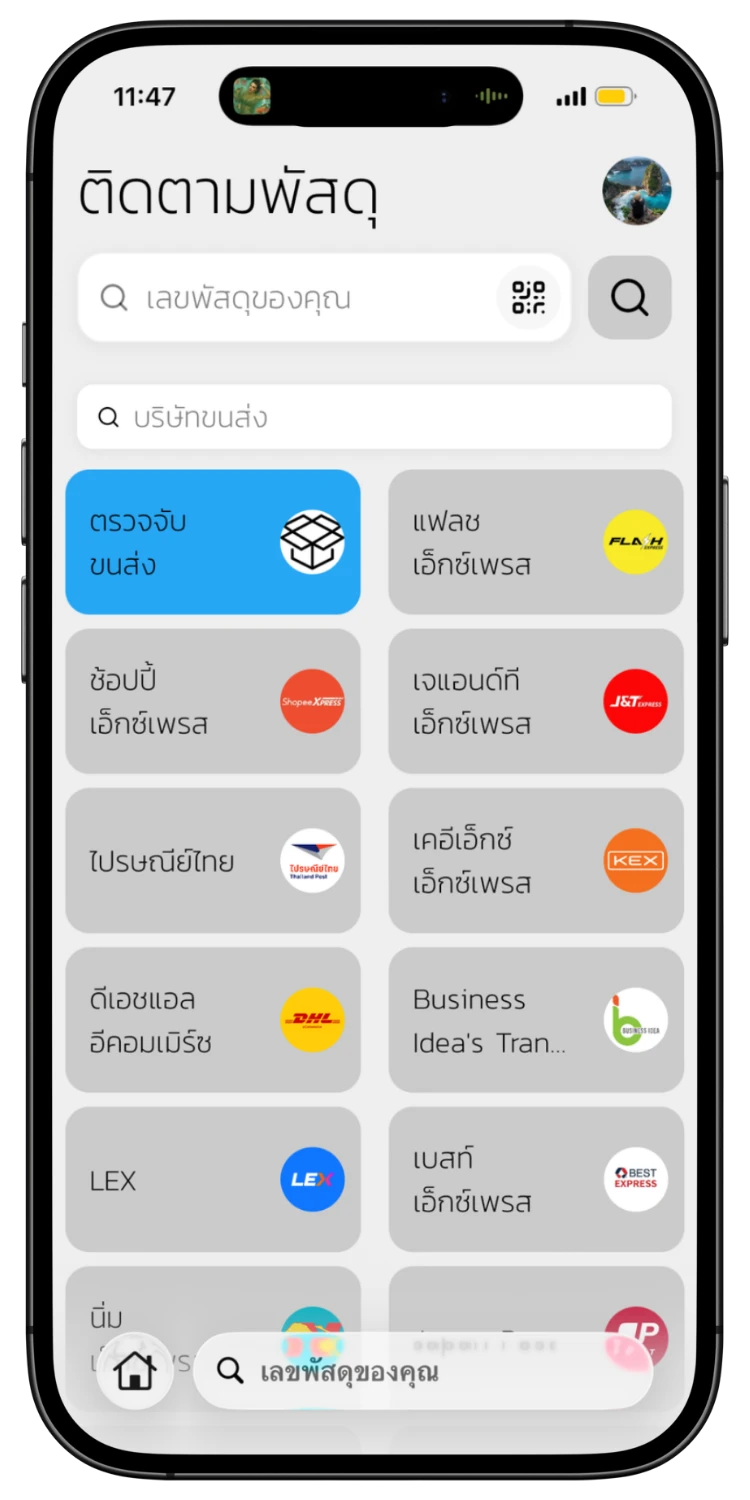
Open the ETrackings app to see the tracking page with all available couriers. Select the courier you want, or choose "Auto Detection" to let the system find it automatically.
Step-by-step guide to tracking parcels from any courier with ETrackings app
Open the ETrackings app to see the tracking page with all available couriers. Select the courier you want, or choose "Auto Detection" to let the system find it automatically.
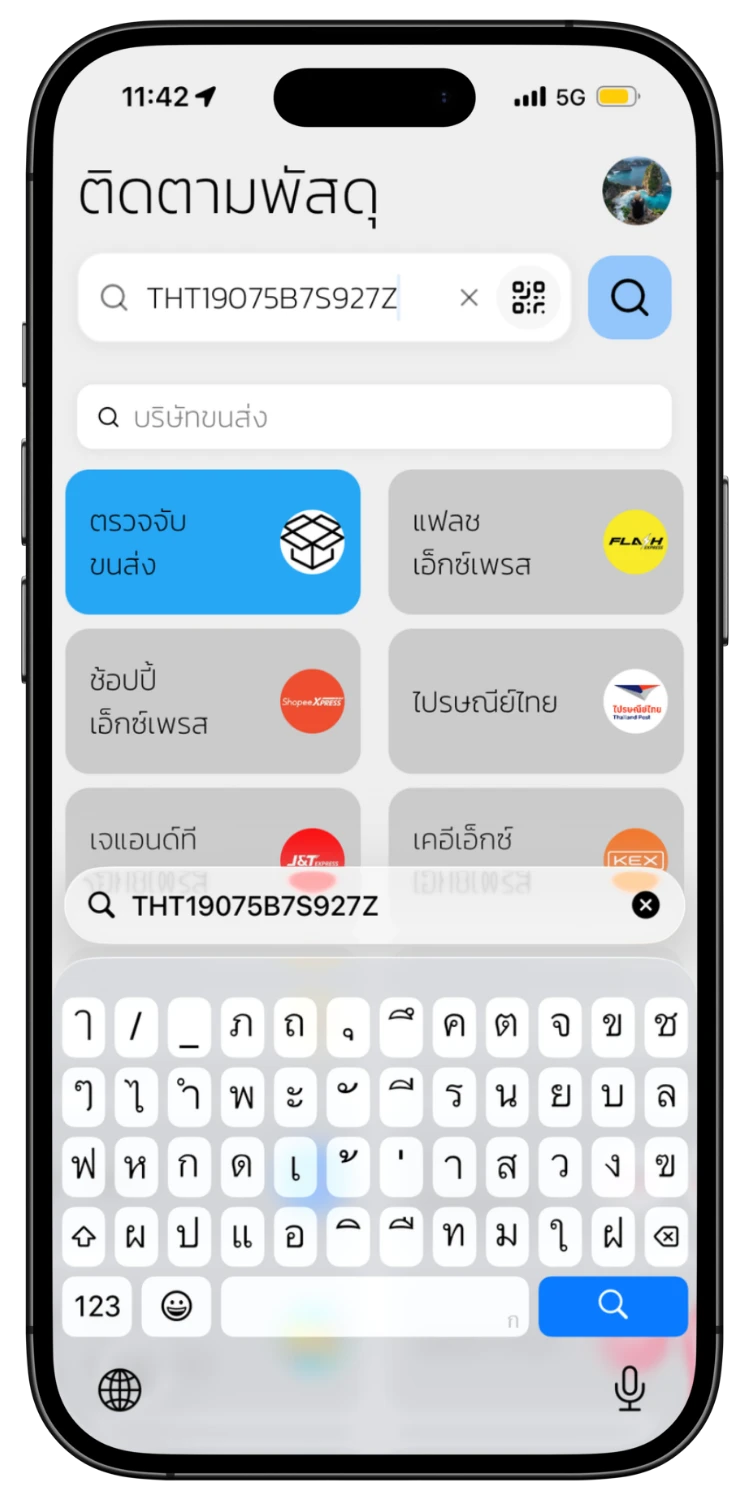
Type your tracking number in the search field and tap the search button. You can also scan a QR Code or Barcode directly.
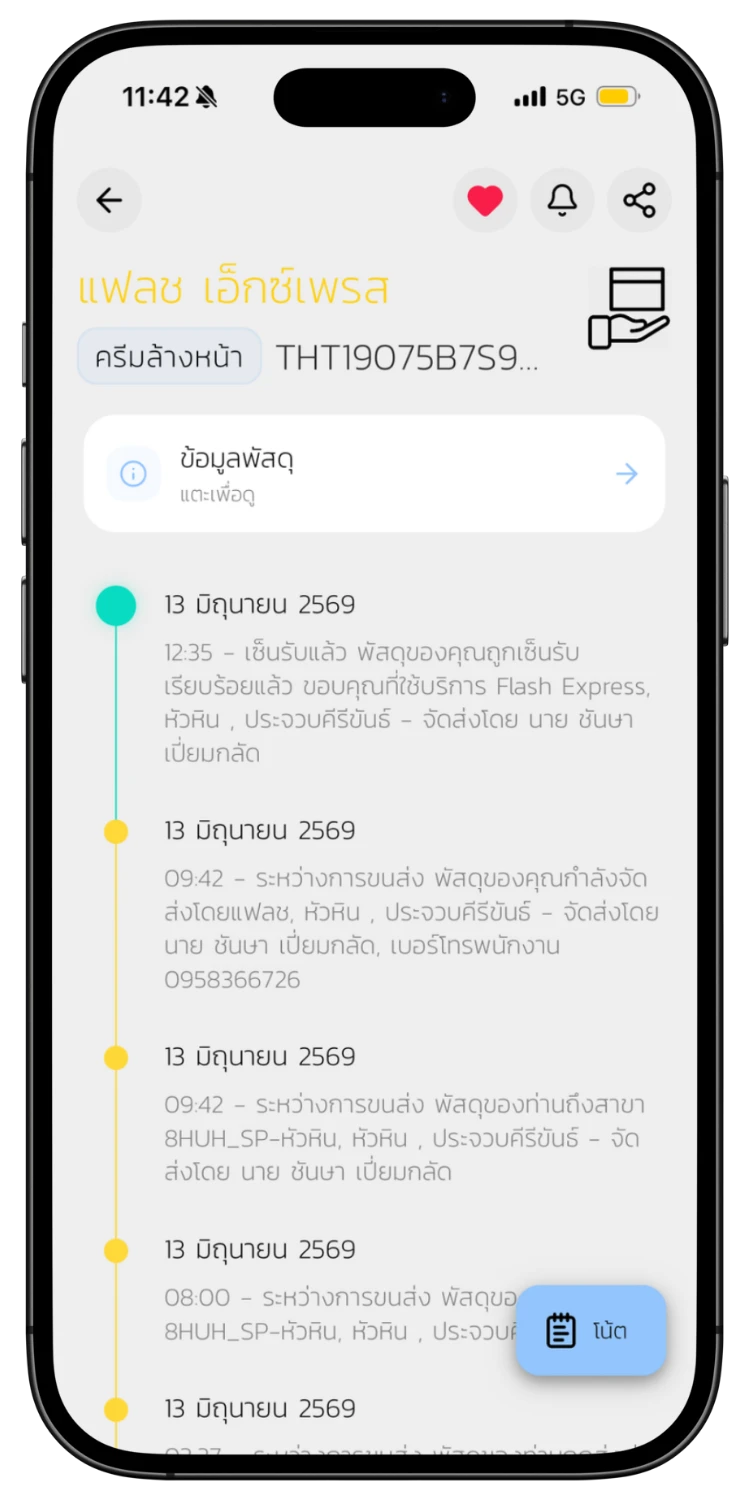
The system will display a full timeline of your parcel status from pickup to delivery, with dates, times, and details for each step.
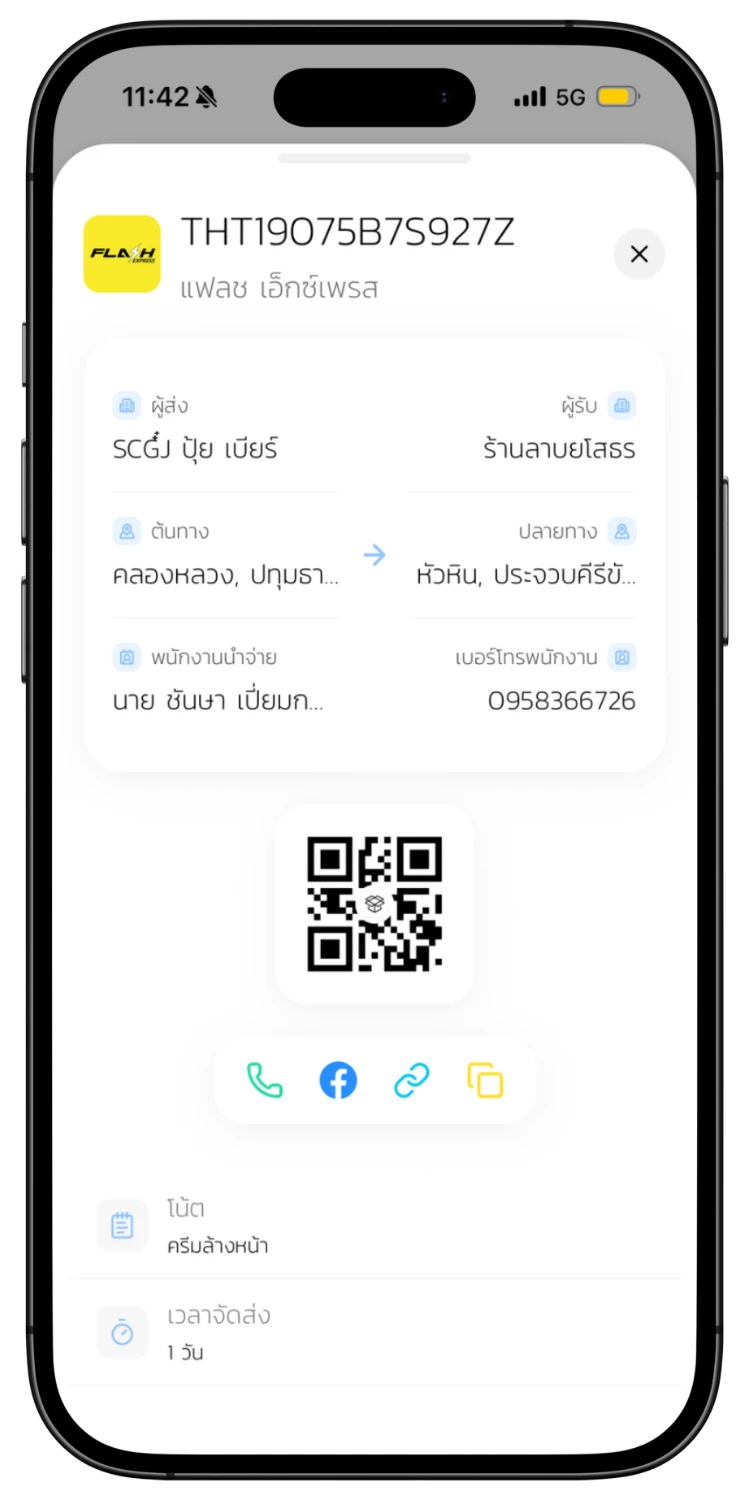
Tap to view more parcel info such as sender name, origin-destination, driver's phone number, and a QR Code for tracking.
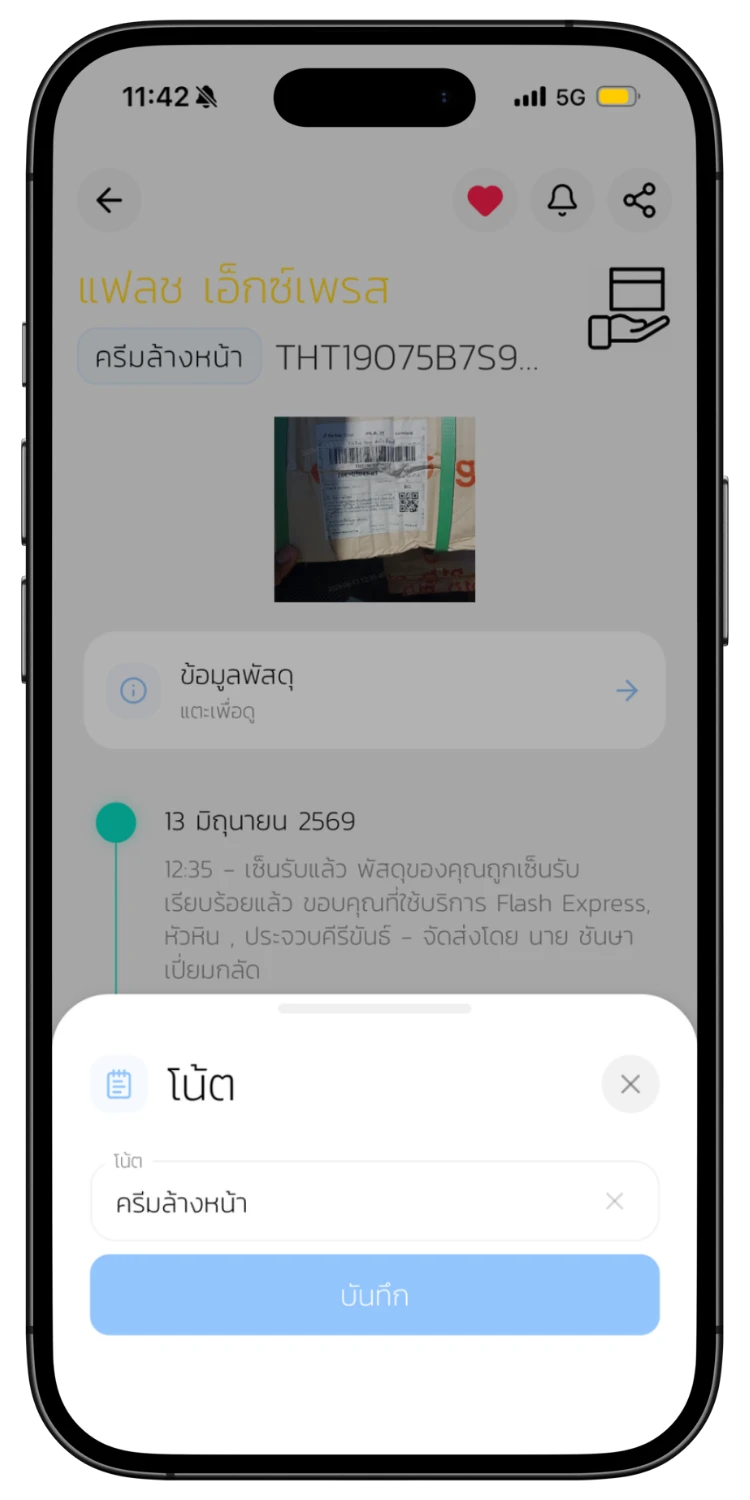
Tap save to bookmark this parcel. Give it a note name so you remember what it is. You can view saved parcels anytime.
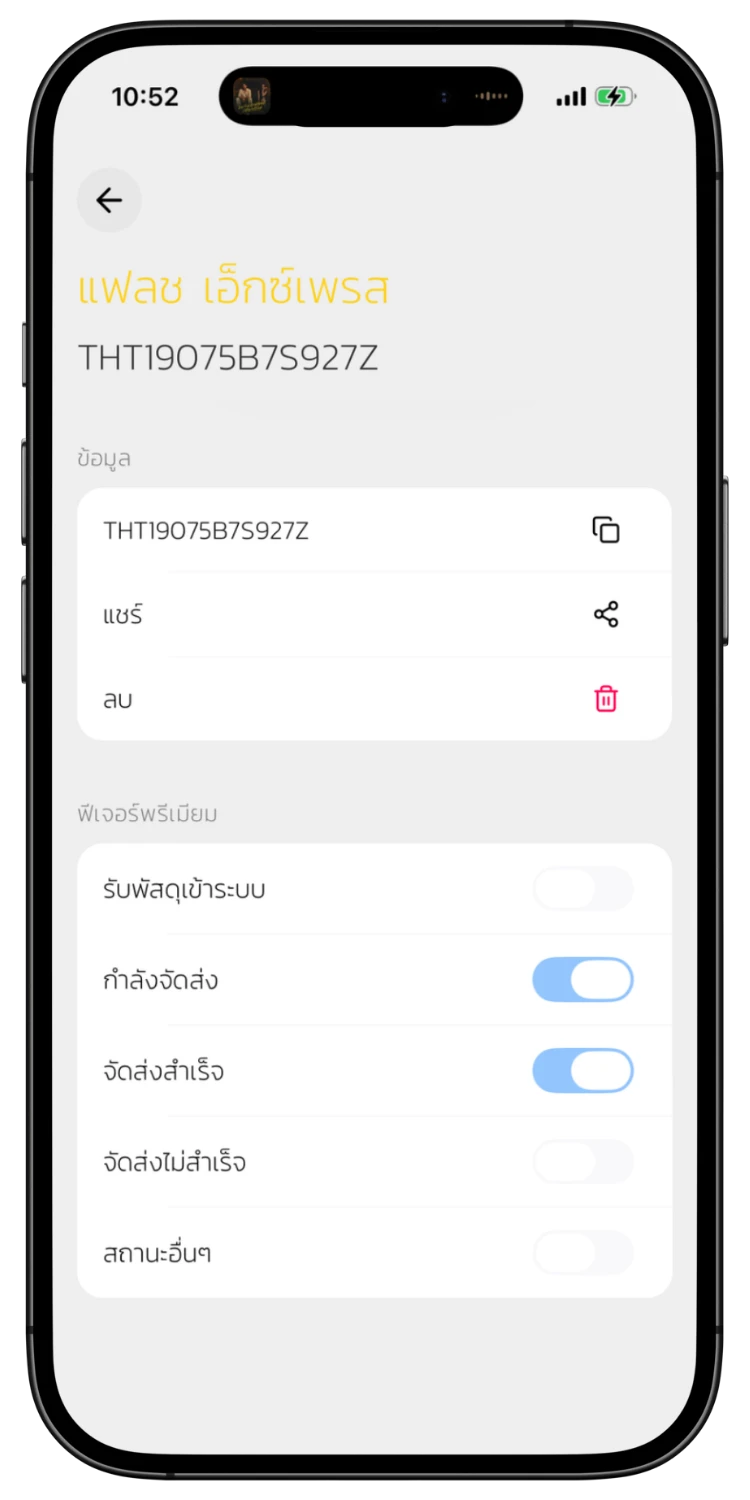
Choose which status changes you want to be notified about — in transit, delivered, delivery failed, etc. The system sends push notifications automatically.
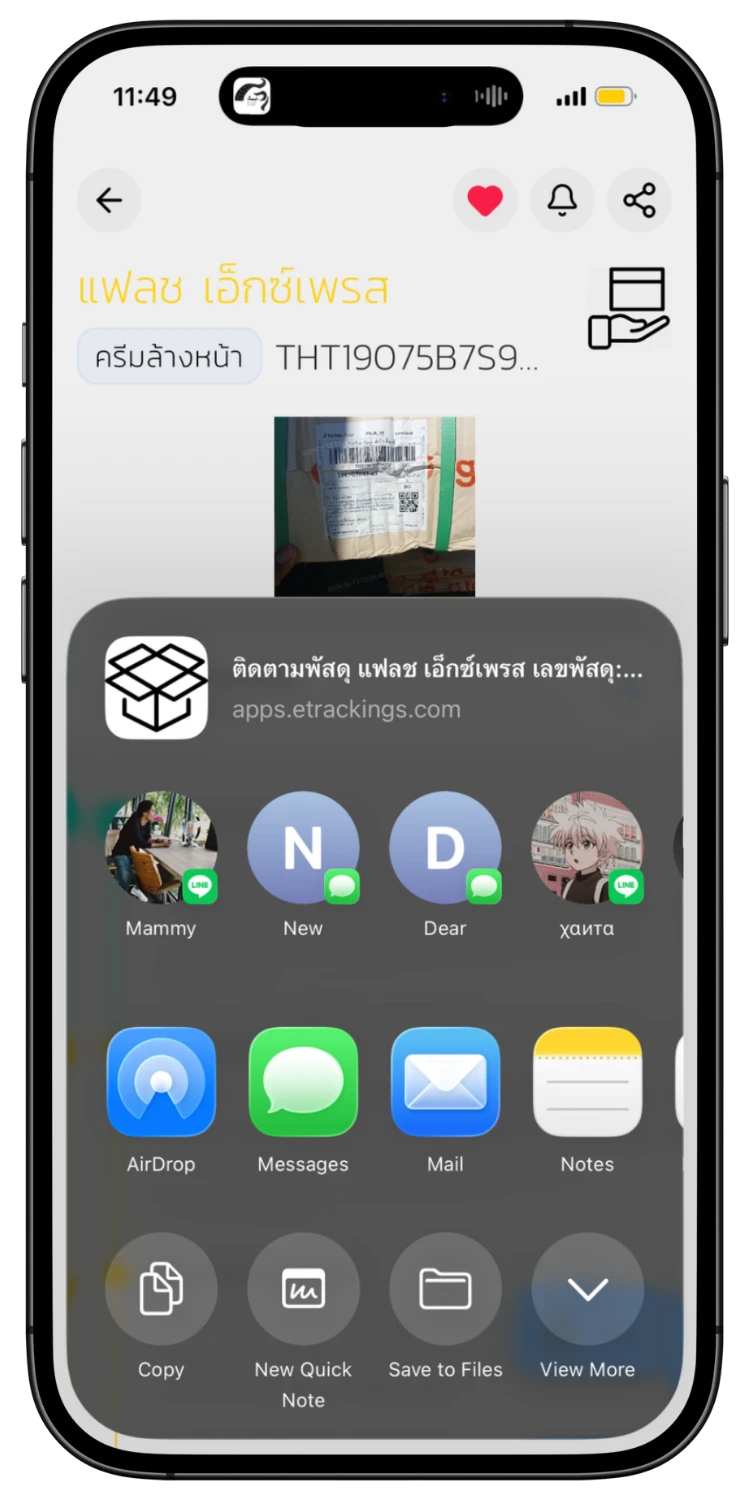
Tap the share button to send a tracking link to friends, family, or customers via LINE, Messages, or any other app.
People who receive the link can view parcel status on etrackings.com instantly — no app installation needed.
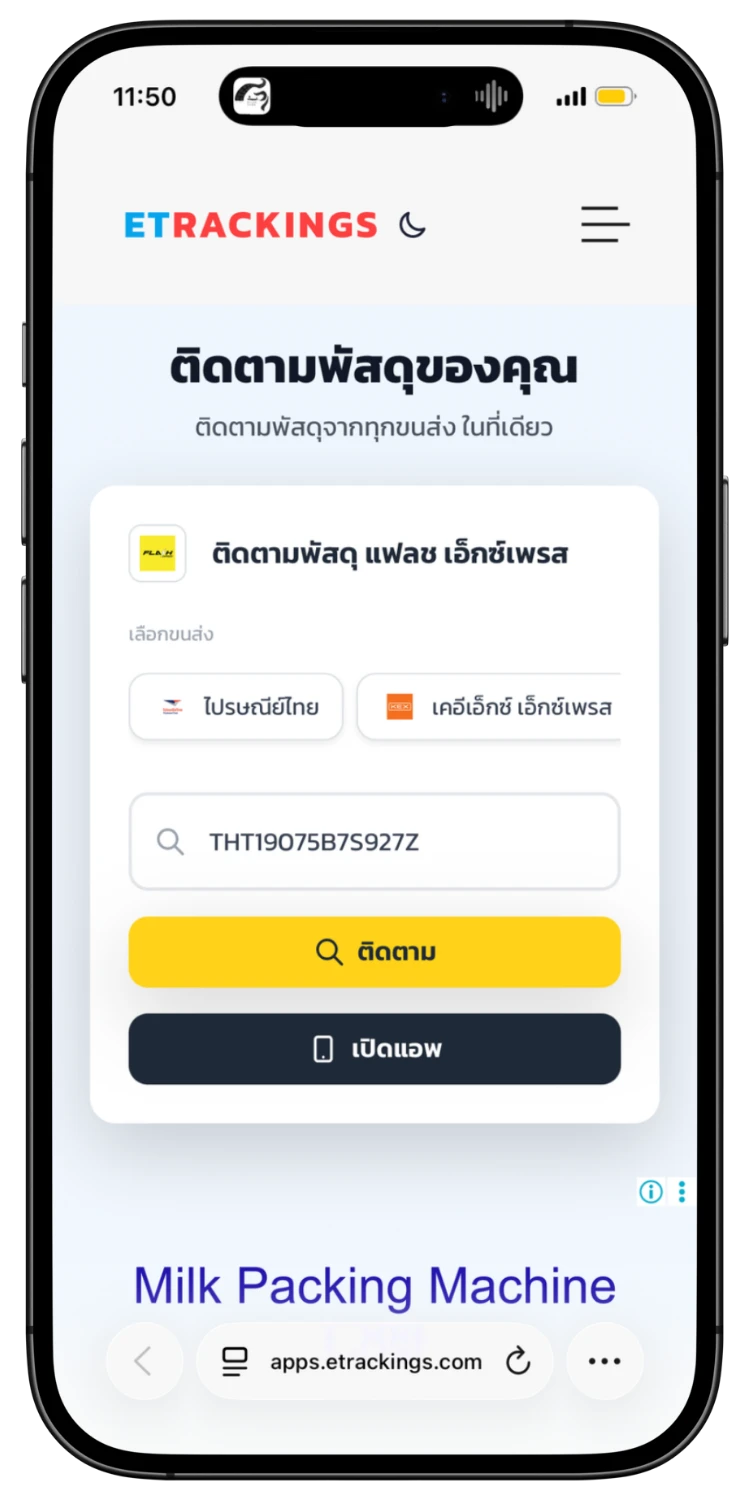
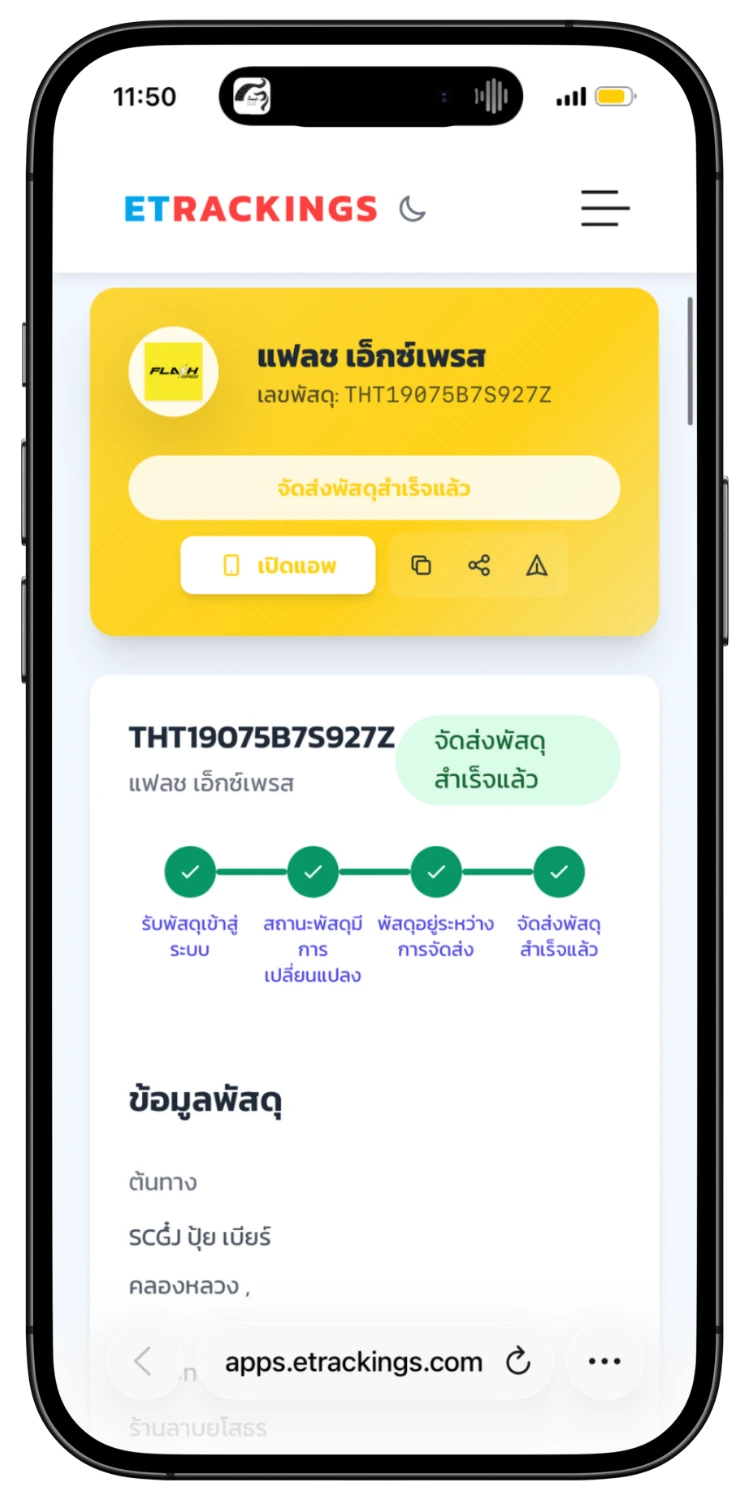
The website shows tracking results just like the app, with full status details and a button to open the app directly.
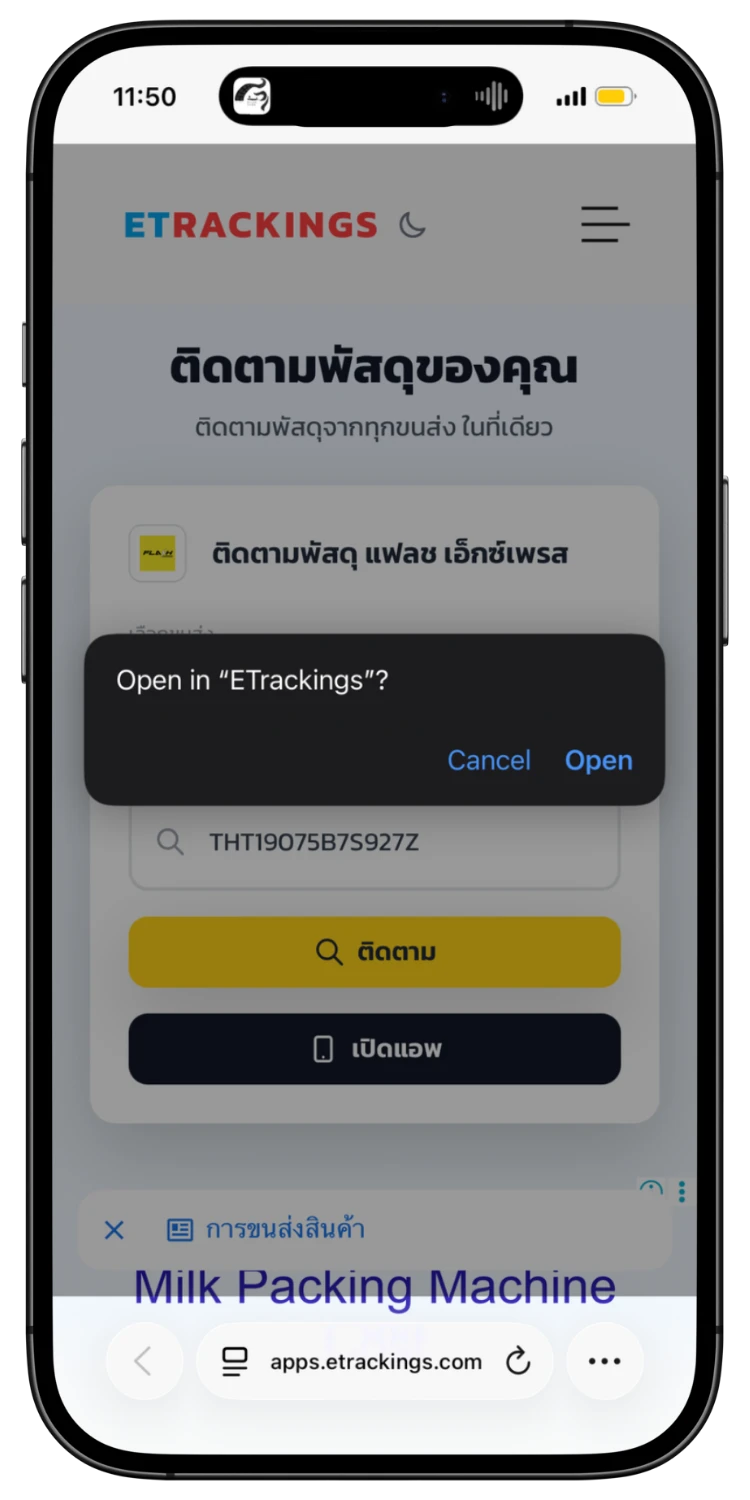
Tap "Open App" on the web to deep link into the ETrackings app directly, with the tracking number pre-filled.
We use cookies to improve performance. and good experience in using your website You can study the details at Privacy Policy and Terms and Conditions
You can choose cookie settings by on/off. Cookies of each type are available on request, except for essential cookies.