How to Report Bugs or Give Feedback

Found an issue or have a suggestion? Let us know easily through the app

196 views
Sign In
01
Sign In
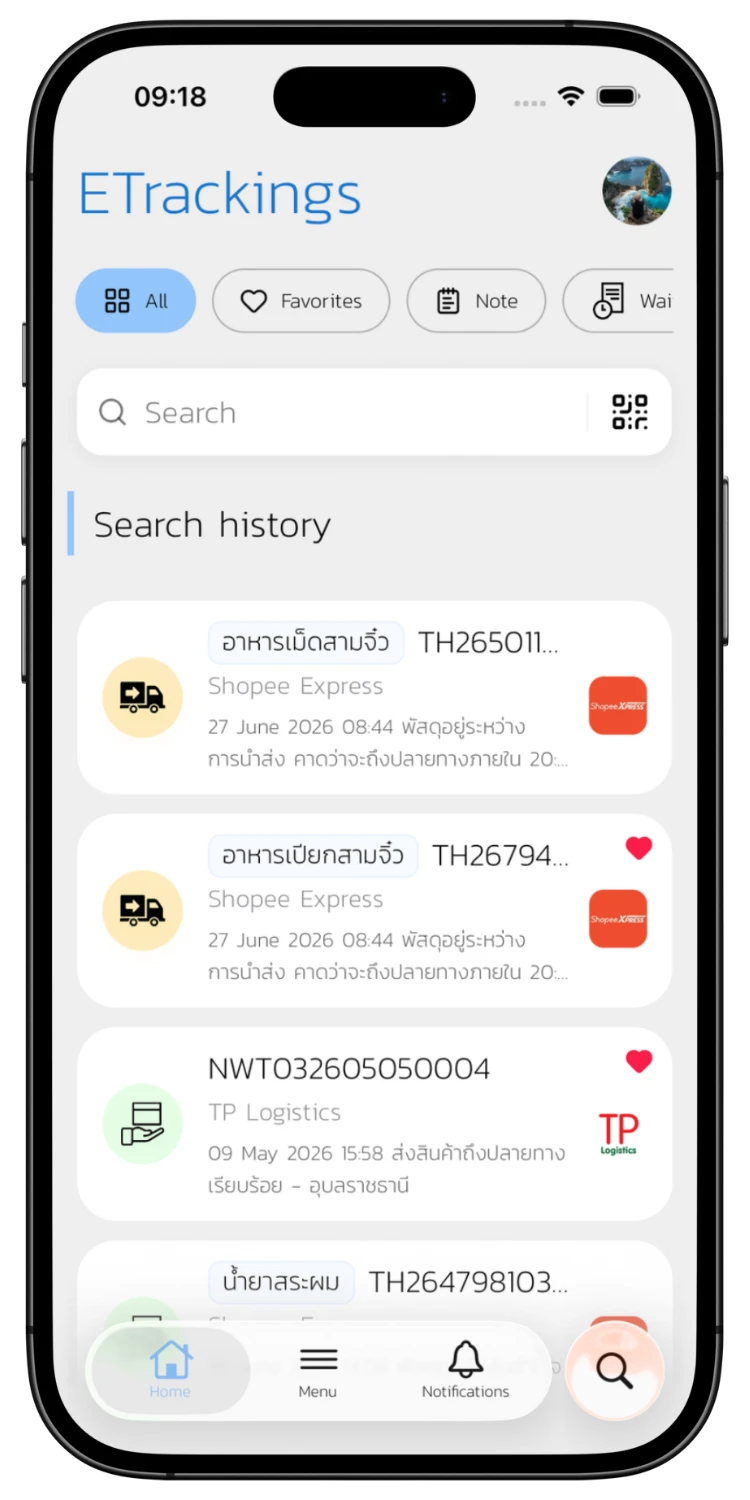
Sign in with Google, LINE, Apple, or Email to access the home screen and all features.
Go to Community & Support
02
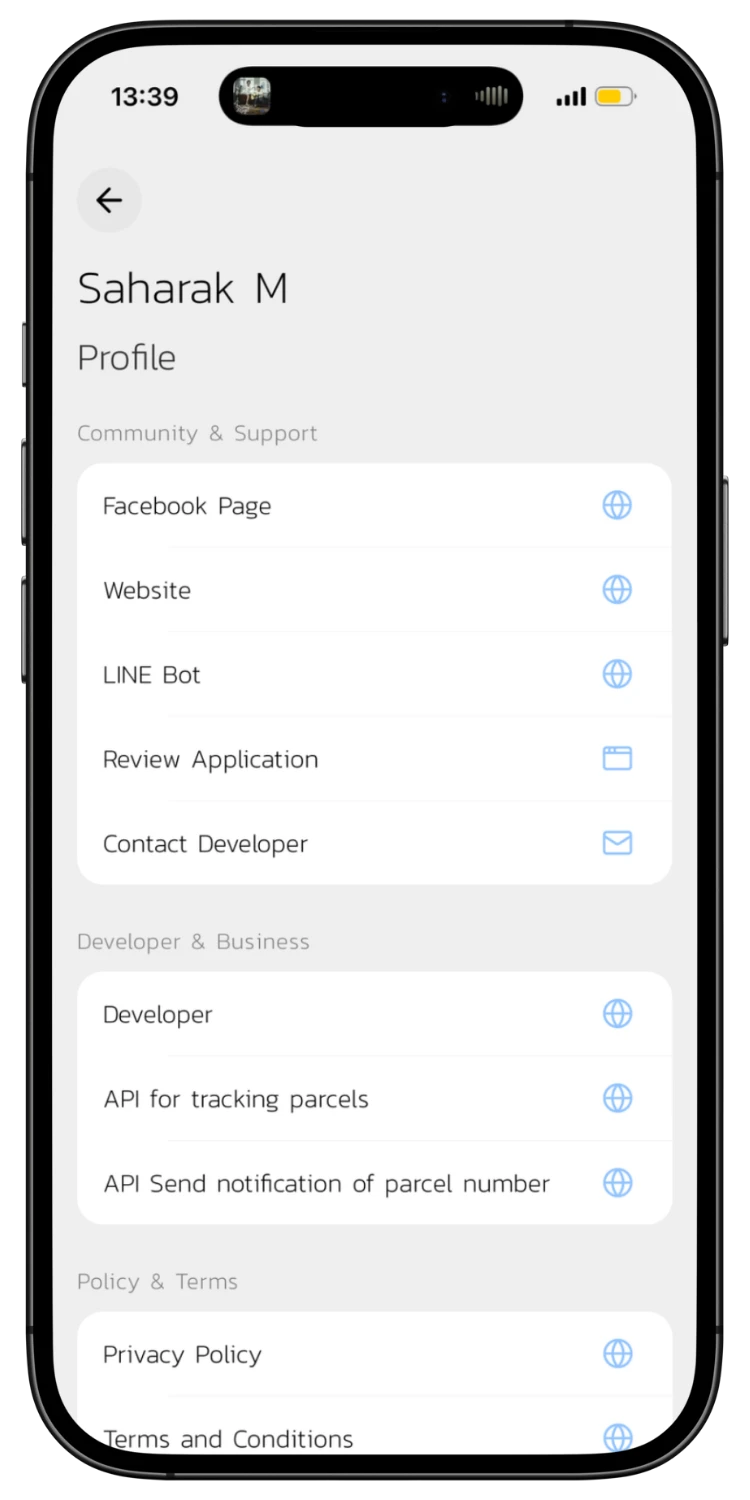
Go to Community & Support
Tap your Profile, scroll down to "Community & Support" and tap "Contact Developer" to report an issue or give feedback.
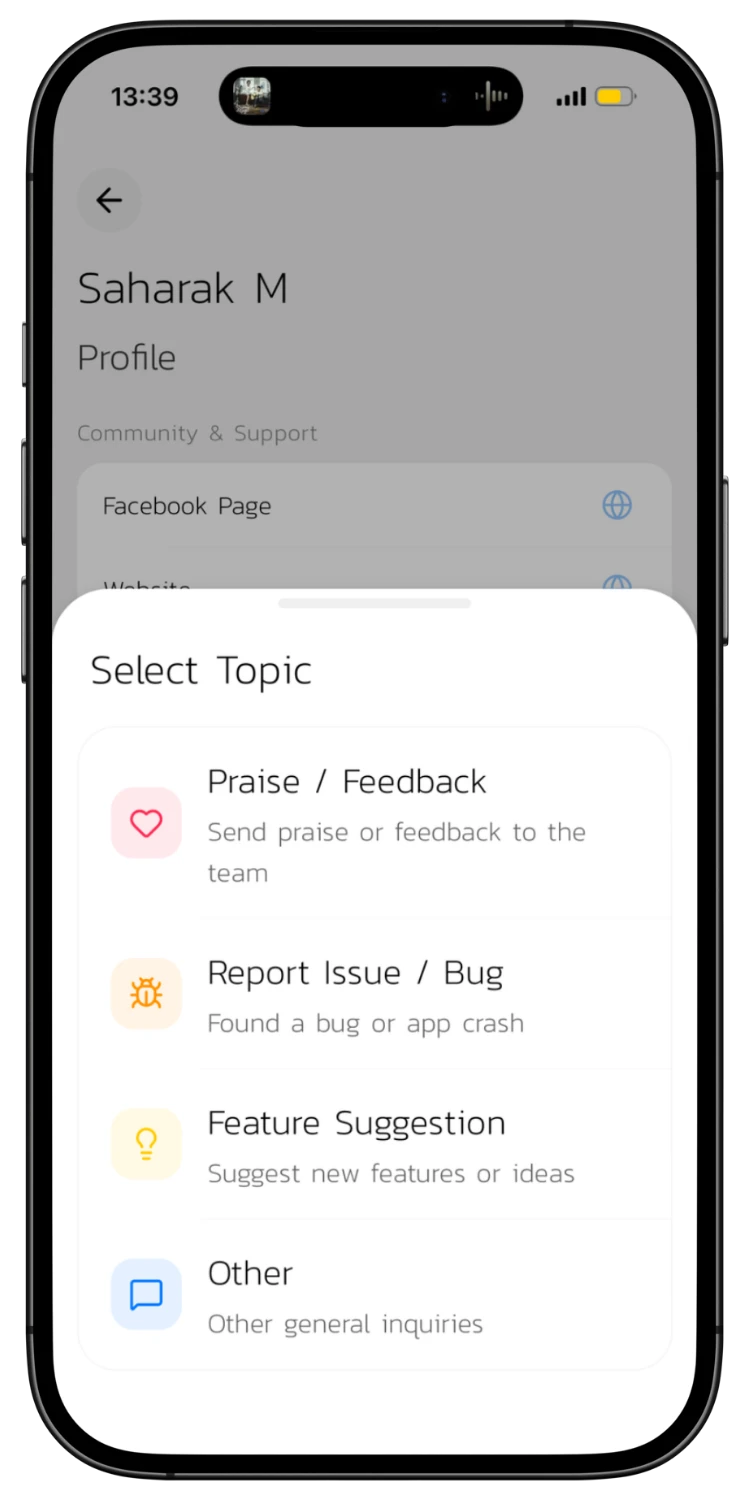
Select a Topic
03
Select a Topic
Choose your topic: Praise / Feedback, Report Issue / Bug, Feature Suggestion, or Other.
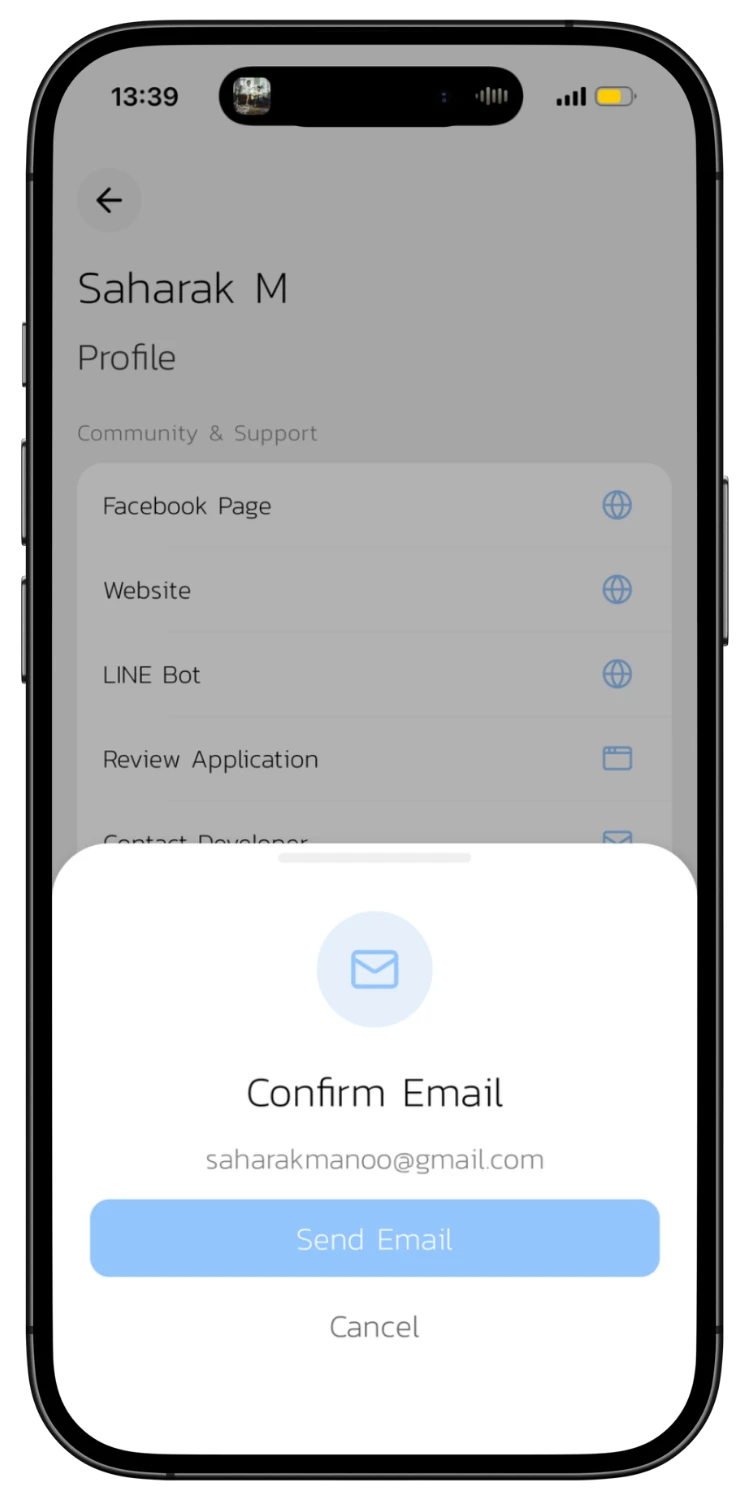
Confirm & Send Email
04
Confirm & Send Email
The system shows the developer's email address. Tap "Send Email" to open your email app with pre-filled information.
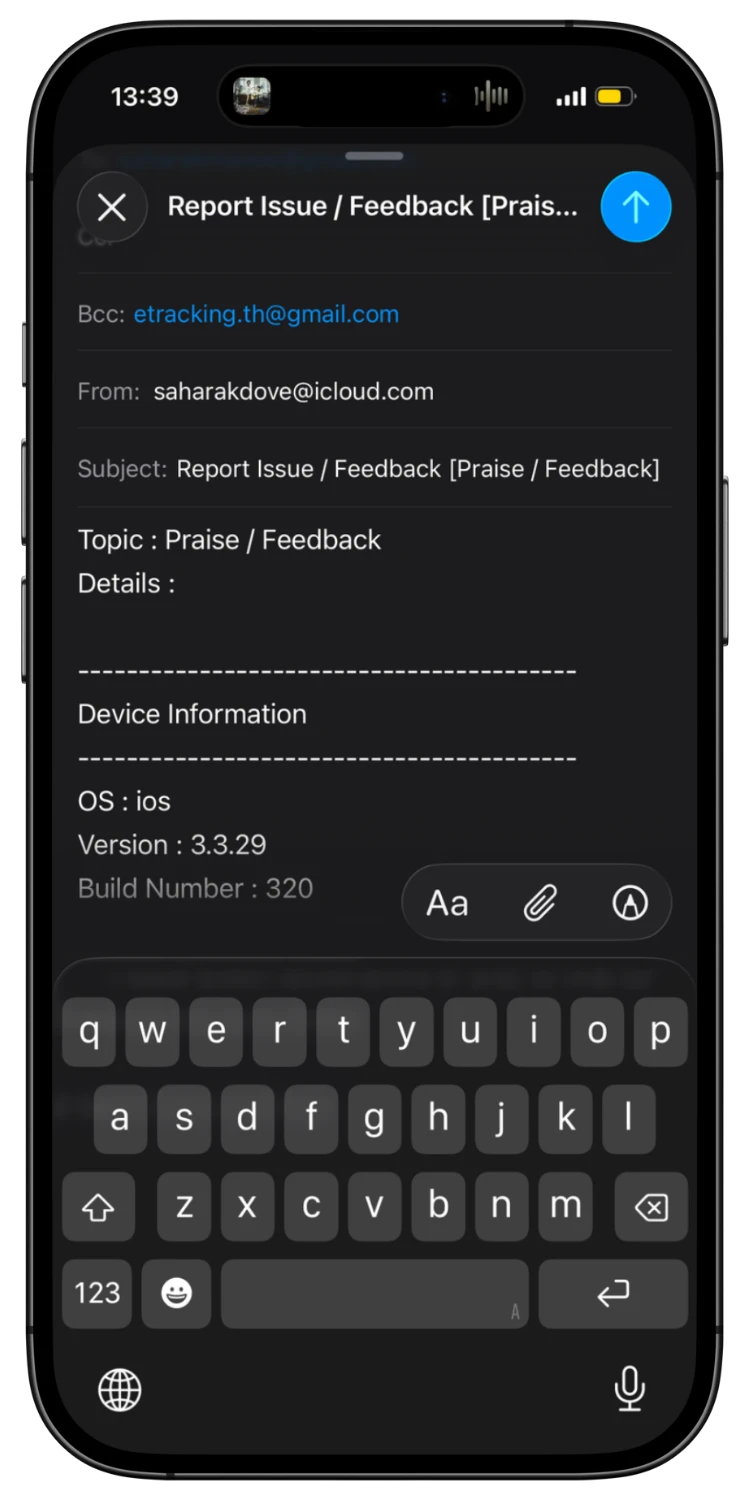
Write Details and Send
05
Write Details and Send
Describe the issue or suggestion in the Details field. You can attach screenshots. The system automatically includes device info (OS, version). Tap send.

Download the App for a Better Experience!

Track your parcels easier with many special features

Consent to Personal Data

We use cookies to improve performance. and good experience in using your website You can study the details at Privacy Policy and Terms and Conditions

Privacy Preferences

You can choose cookie settings by on/off. Cookies of each type are available on request, except for essential cookies.

Necessary
Required for core functionality
Always On
Analytics
Help us improve our service
Always On