Sign In
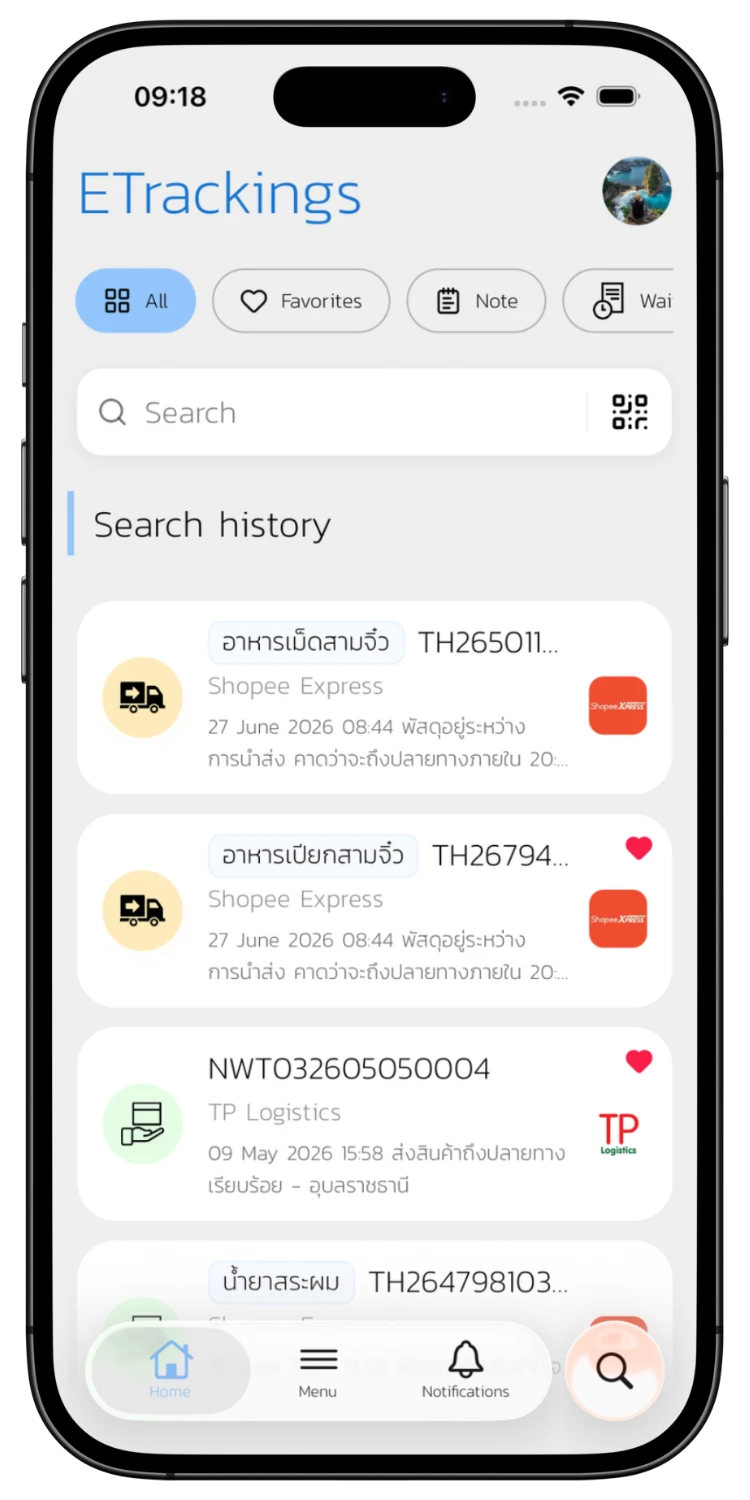
Sign in with Google, LINE, Apple, or Email to access the home screen and all features.
Upgrade to Premium to unlock all features and remove all ads
Sign in with Google, LINE, Apple, or Email to access the home screen and all features.
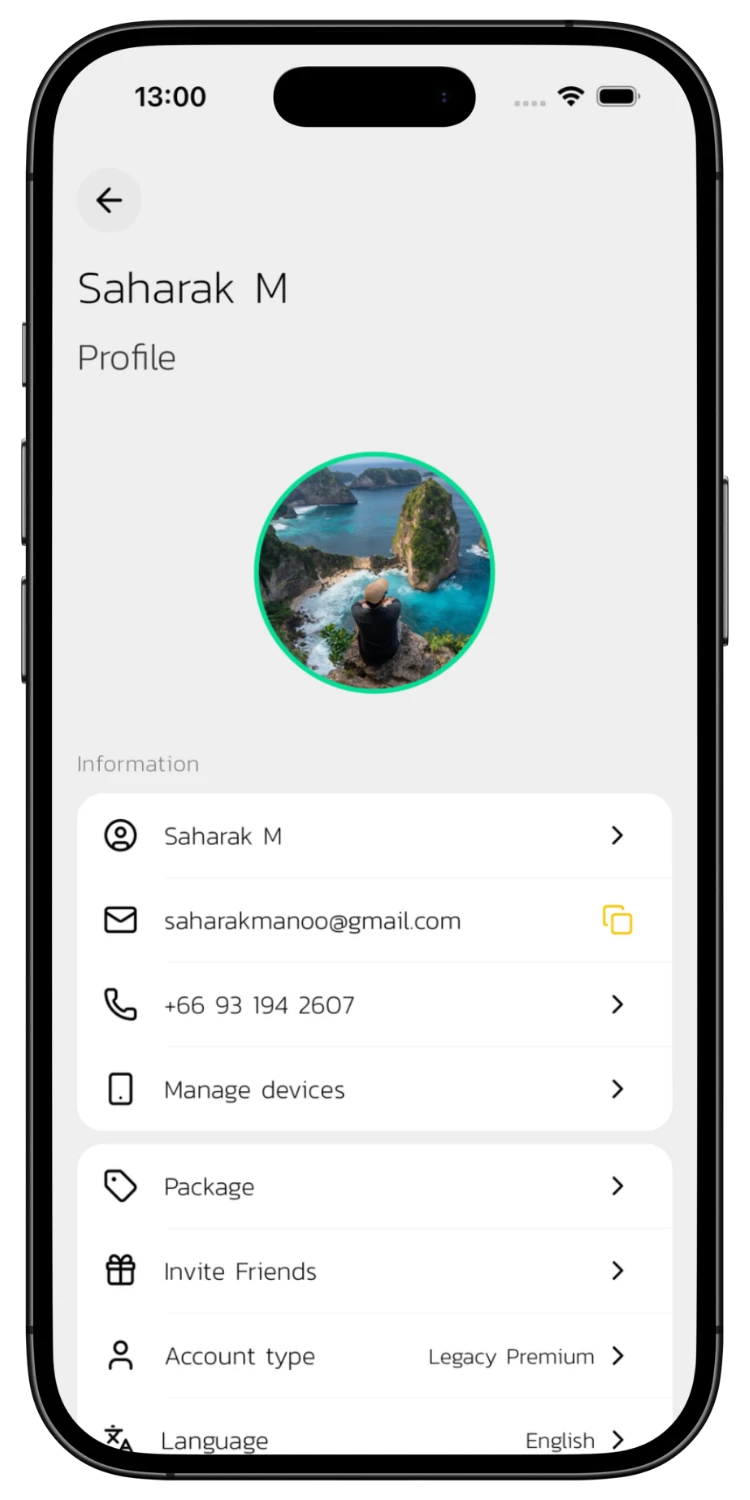
Tap your profile to view account info, account type, and the Package menu for purchasing.
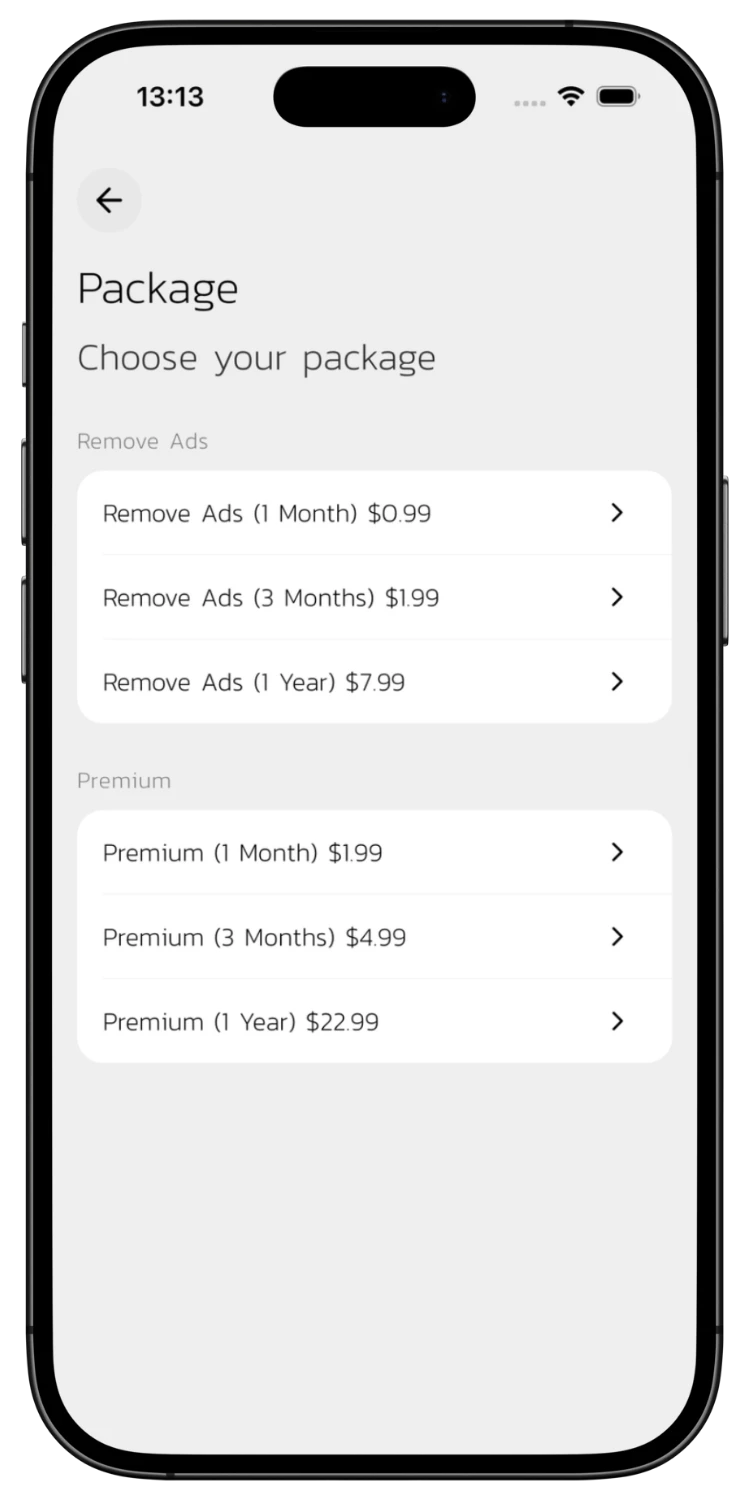
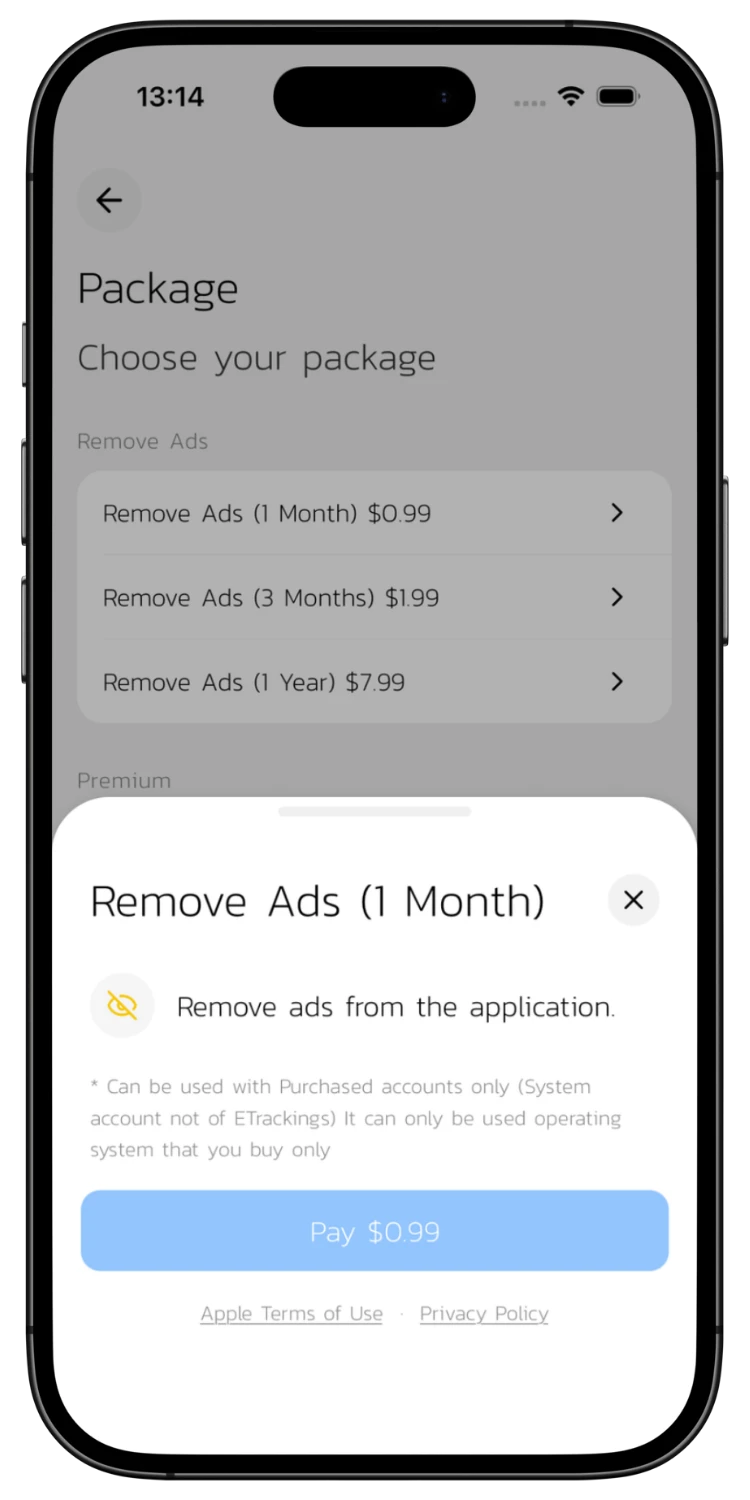
Tap Package and choose from 2 types: Remove Ads (1 month / 3 months / 1 year) or Premium (1 month / 3 months / 1 year) with extra features.
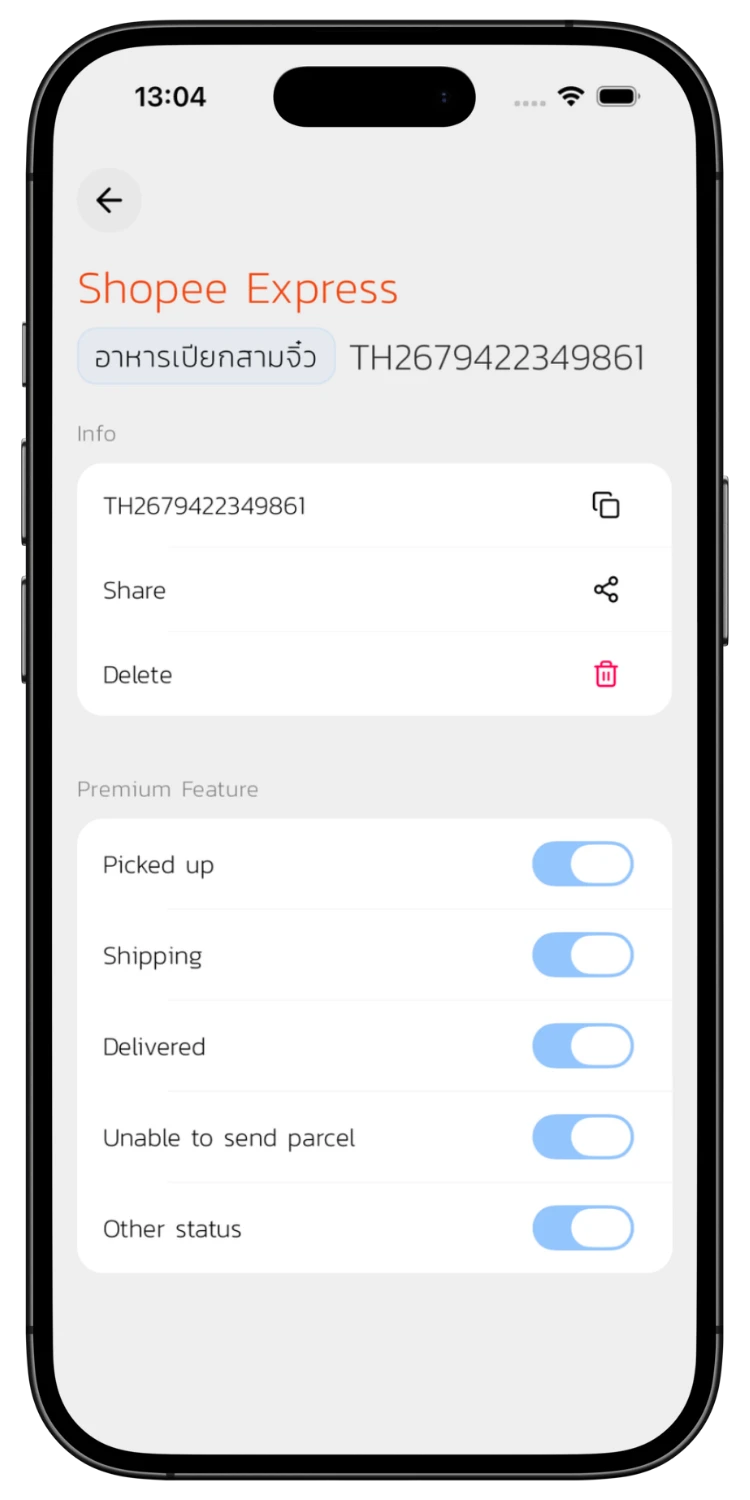
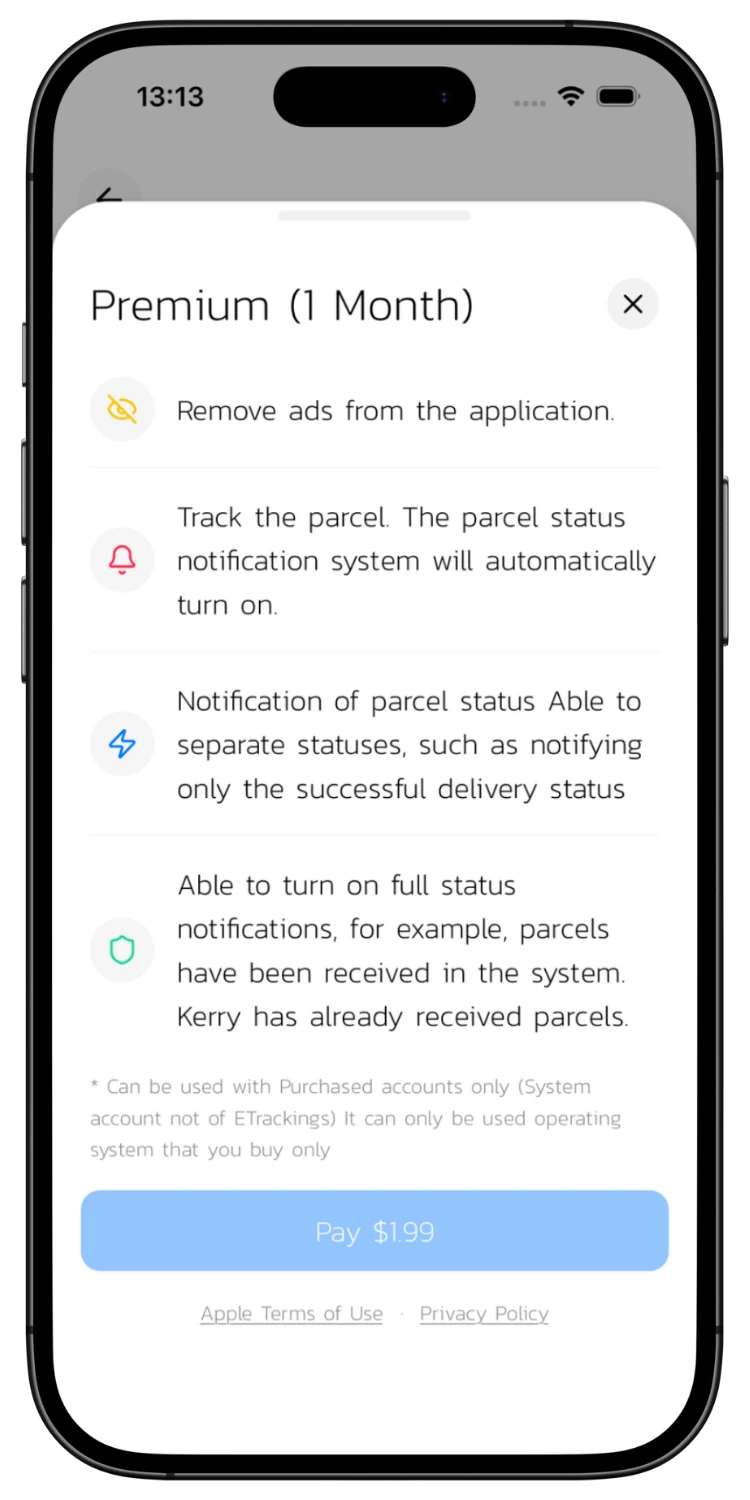
Tap a Premium package to see all benefits: ad removal, auto notifications, per-status notification control, and full status text in notifications.
The Remove Ads package removes all ads from the app without the extra Premium features.
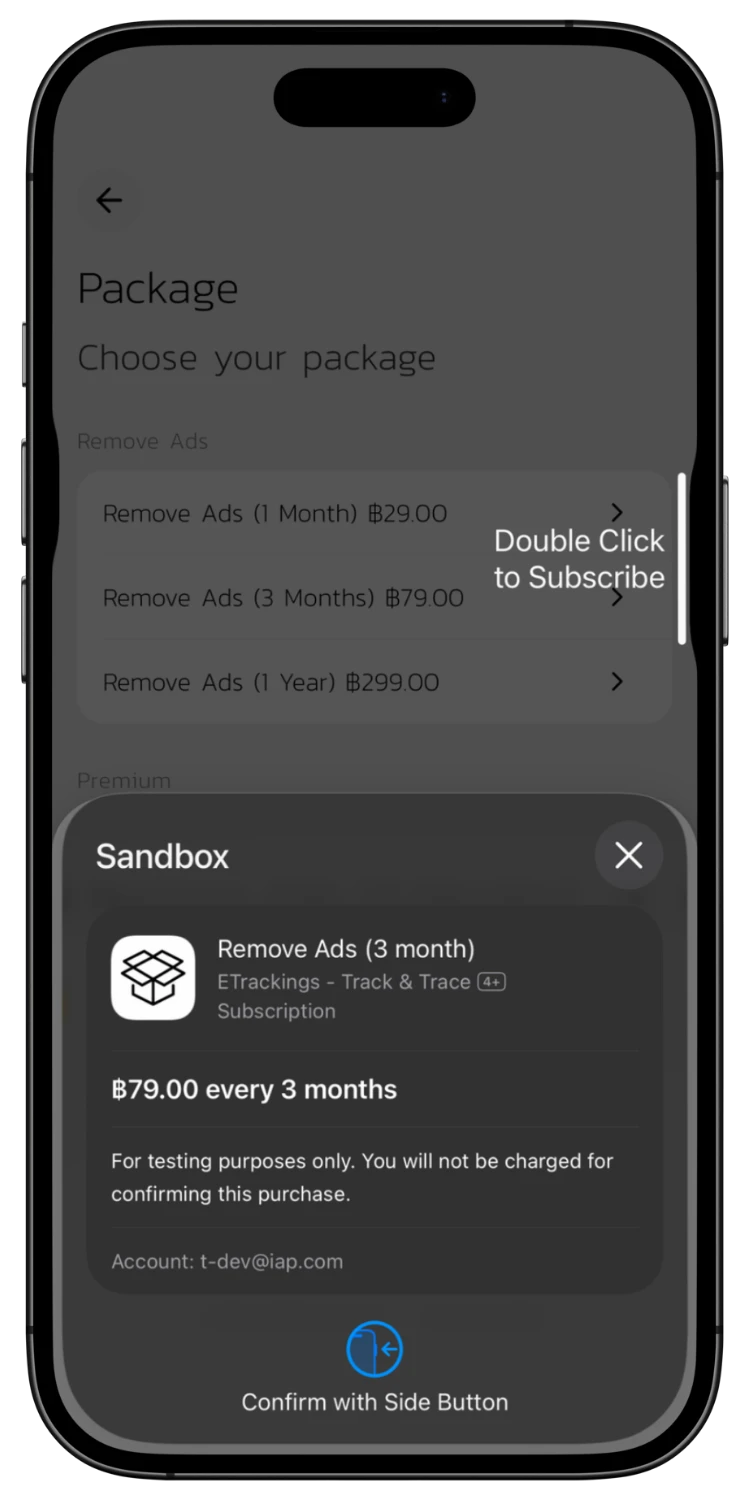
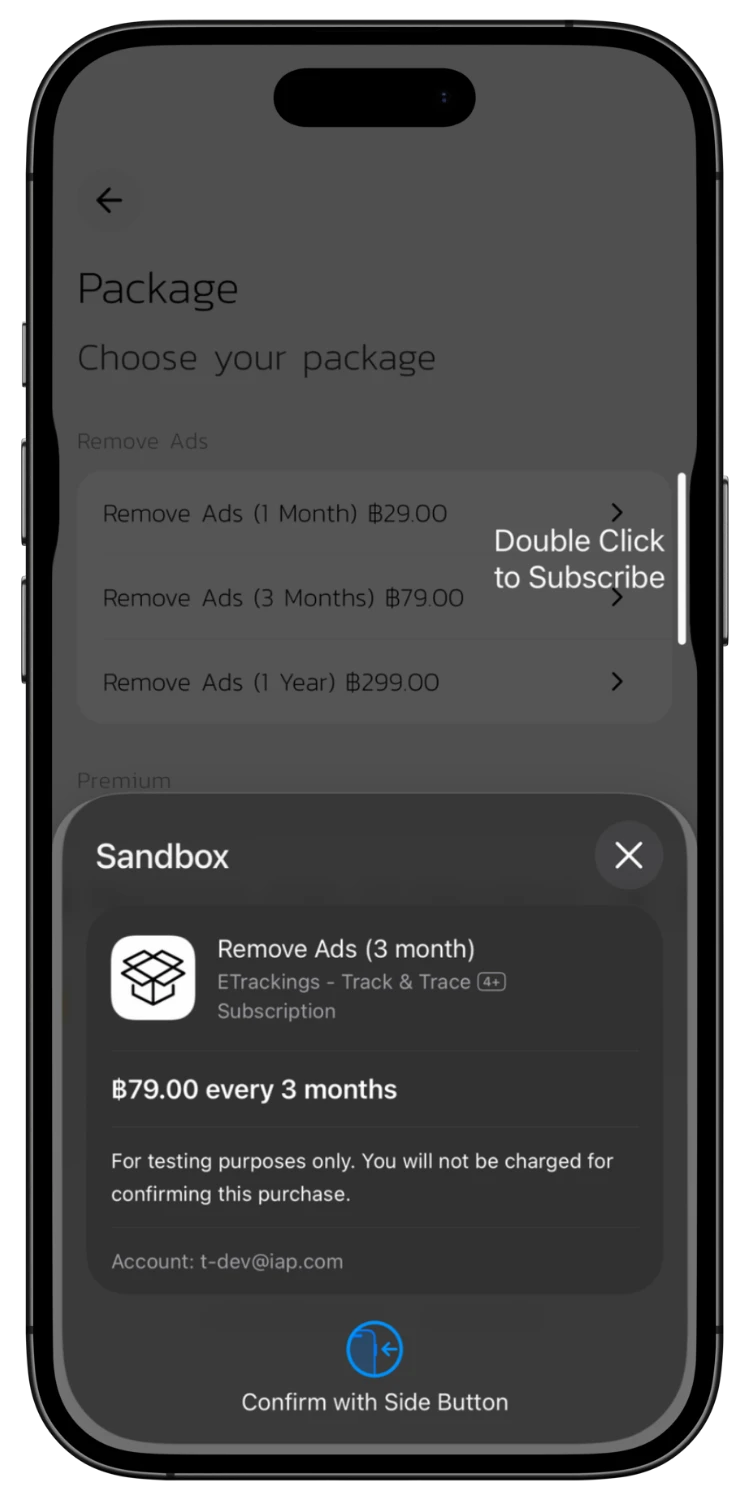
Tap purchase and confirm. On iOS, Double Click the side button. On Android, confirm through Google Play.
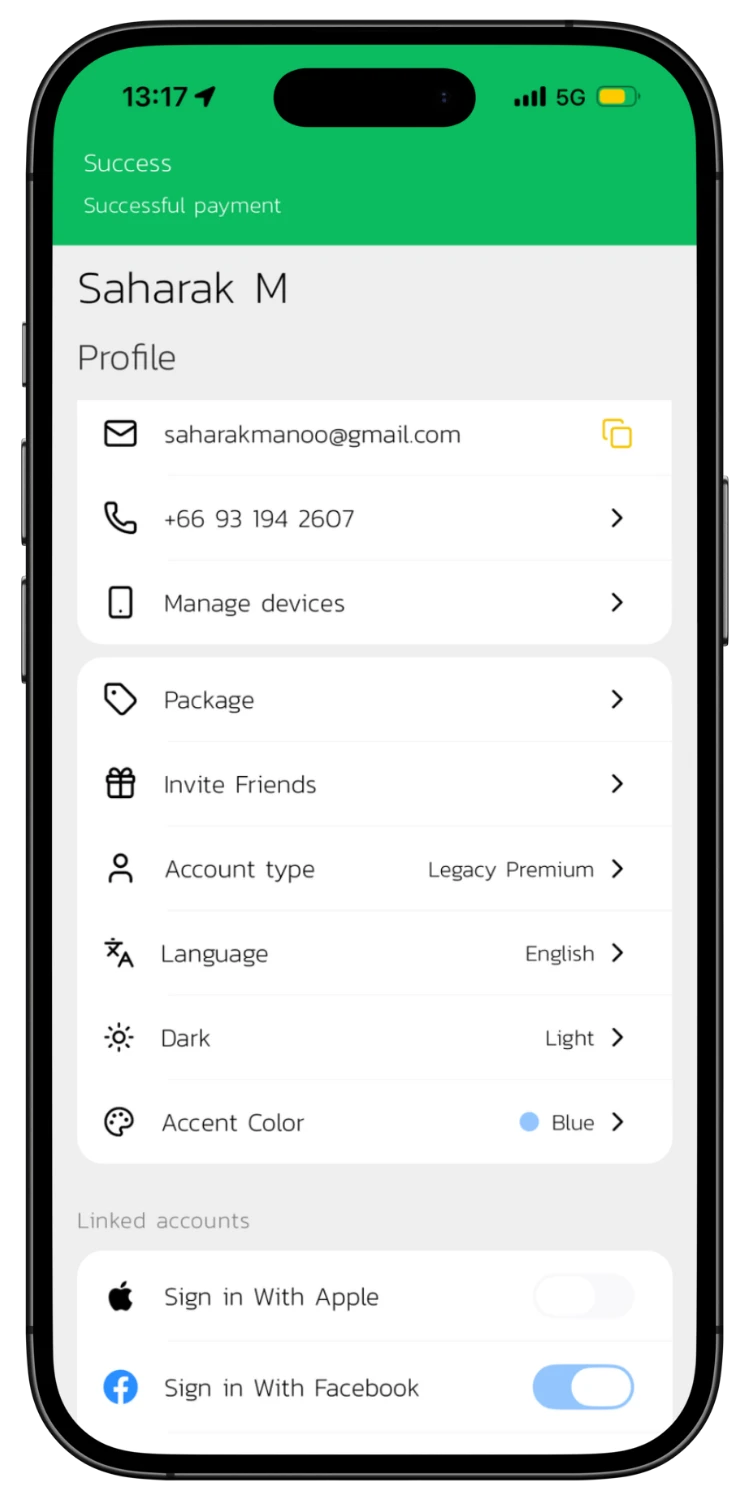
After payment, "Successful payment" appears on your Profile. Your account type changes to the selected package (e.g., Premium) instantly.
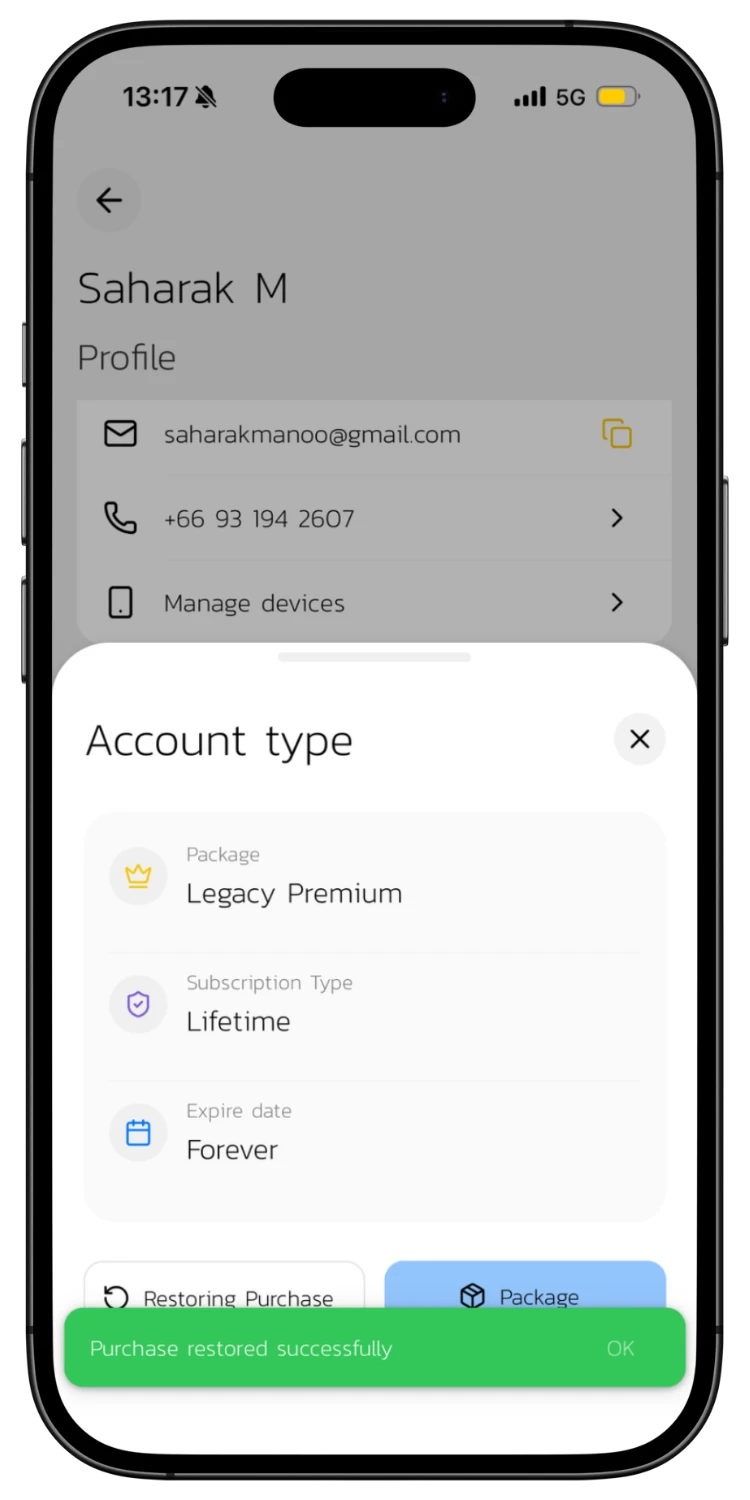
Tap Account type to view package details, subscription type, and expiry date. Tap Restoring Purchase to restore a previous purchase on a new device.
A flash message will confirm the payment was successful and your account type will change to the purchased package. If it doesn't change, follow the next step.
If you switch devices or reinstall the app, tap Account type then Restoring Purchase. The system will automatically restore your package, showing subscription type and expiry.
We use cookies to improve performance. and good experience in using your website You can study the details at Privacy Policy and Terms and Conditions
You can choose cookie settings by on/off. Cookies of each type are available on request, except for essential cookies.